
What We Verify
We check seed code, edition, version, spawn area, nearby coordinates, screenshot relevance, and whether the route still makes sense for a real survival or building world.
Plan any Minecraft seed with edition, version, coordinates, and structure goals for Java and Bedrock — plus tested seeds and a free skin editor.
Minesite is a free Minecraft seed map planner and seed finder. Use the seed map planner to inspect worlds, browse the curated Minecraft seed library, design custom skins in our free 3D skin editor, and read practical guides for Java and Bedrock players. Seeds are edition-tagged and reviewed before they go live.
Hand-picked Minecraft seed codes with exact coordinates for every playstyle. Browse village seeds, clustered seeds with structure clusters, woodland mansion seeds, ancient city seeds near spawn, and speedrun seeds.
✓ Community-curated since 2024 · Tested on MC 1.21 Tricky Trials ·
 1.20+
Java
1.20+
Java
Floating Pillager Outpost is a challenge seed with a clear warning label: the cool structure is also a threat. An outpost near spawn at 80,~,64 means you need to pay attention immediately. It looks great, especially if t…
 1.20+
Both
1.20+
Both
Ocean Taiga Village Island is a calm but useful survival seed for players who like spruce, coastlines, and contained island starts. The taiga theme gives you reliable wood and a cozy build style, while the ocean around t…
 1.20+
Both
1.20+
Both
Wooded Badlands Lush Cave Island is a great terrain seed because the biome mix does not feel ordinary. You get the dry color and height of badlands-style land, ocean around the island, and lush cave potential underneath.…
 1.20+
Java
1.20+
Java
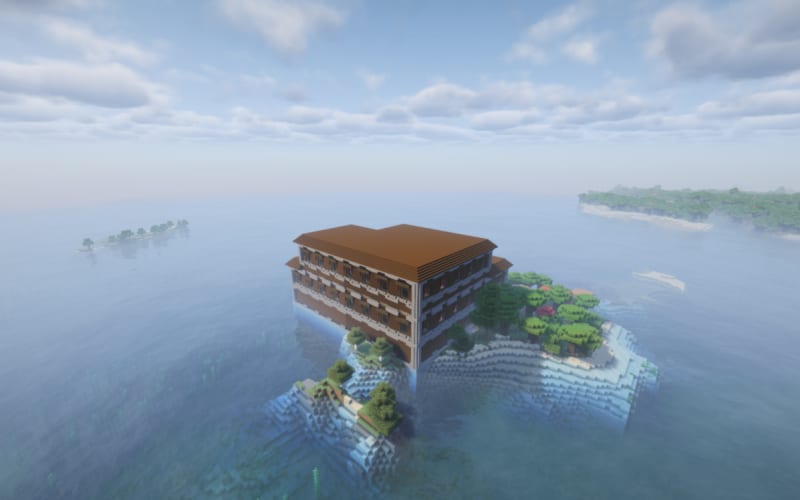
Ocean Woodland Mansion Island is a rare-structure seed with real adventure value. A Woodland Mansion near ocean terrain is not a normal beginner start, and that is exactly why it is interesting. The seed gives you the fe…
 1.20+
Java
1.20+
Java
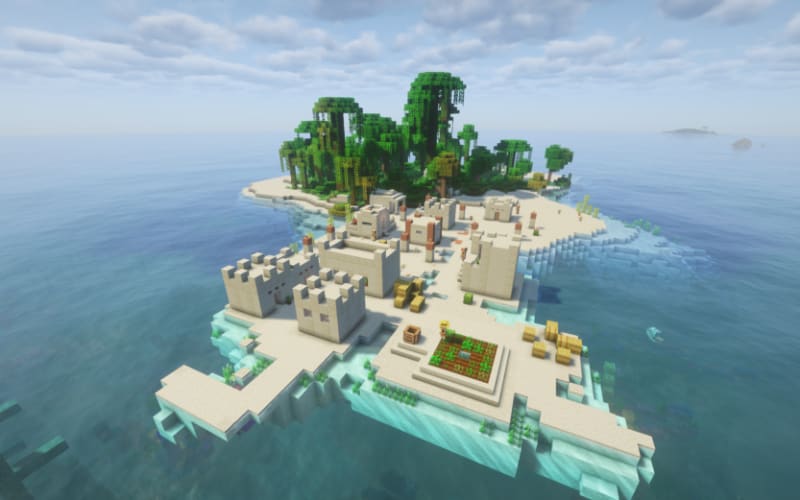
Jungle Desert Village Island is a rare and beautiful Minecraft seed where the world starts with a mix you do not see every day. The seed places you on a small island surrounded by clear ocean water, with a Desert Village…
 26.2
Java
26.2
Java
The Sulfur Ring is a Java 26.2 seed with a very specific identity: a ring-like, sulfur-themed crater layout that feels different from the usual cherry grove or plains village starts. It is the kind of seed to try when yo…
A Minecraft seed is a numeric world-generation code used by the game engine to build terrain, populate biomes, and place structures. While standard world generation spreads landmarks out across a grid, clustered seeds feature anomalous, tightly packed structure clusters right at the spawn coordinate. These generated anomalies cluster multiple villages, ancient cities, desert pyramids, and trial chambers in close proximity, creating a resource-rich environment perfect for survival runs or speedrunning.
| Seed Name | Seed Code | Edition | What Makes It Clustered |
|---|---|---|---|
| Double Village Spawn | -5834293461893963303 |
Java 1.20+ | Two spawn villages at 48,70,160 and 72,70,216, plus another plains village at -160,70,272 |
| Quad Village Blossom Plateau | -669940158411454765 |
Java 1.20+ | Quad village cluster around spawn with cherry grove terrain convergence |
| Ocean Woodland Mansion Island | 4758897431360816999 |
Java 1.20+ | Woodland Mansion + ocean biome + island terrain converge at spawn — rare multi-structure overlap |
| Floating Pillager Outpost | 453737662590454357 |
Java 1.20+ | Anomalous outpost generation at 80,~,64 — floating island structure cluster near spawn |
Our collection covers the most-searched seed types in 2026: village seeds with blacksmith loot, broken clustered seeds, woodland mansion seeds, and the best Minecraft speedrun seeds for Java 1.21. All are edition-tagged and verified before going live.
New to seed codes? Here's how to enter a Minecraft seed with coordinates in Java Edition and Bedrock Edition — and how to find rare seeds, village seeds, and speedrun seeds fast.
Browse Minesite's
seeds list
and copy the seed number (e.g.
-4379469534555205765). Every seed includes the
exact spawn coordinates and which edition it's verified for.
In Minecraft, click Singleplayer → Create New World → More World Options (Java) or Create New → Advanced → Seed (Bedrock). Paste the seed code into the seed field before clicking Create.
Seed codes are edition-specific — a Java Edition village seed won't generate the same world in Bedrock, and vice versa. Always check the edition tag (Java / Bedrock) and the Minecraft version (e.g. 1.21) listed on each seed.
Press F3 (Java) or enable Show Coordinates in Bedrock settings to display your XYZ position. Head to the listed coordinates to find the village, woodland mansion, ancient city, or other structure from the seed.
Looking for a specific seed type? We have village seeds, island seeds, rare mansion & ancient city seeds, and speedrun seeds — all tested on the latest version.
Browse All Seeds →Our free Minecraft seed map planner helps you keep a world seed, edition, version, structure goals, and coordinate routes together. Use it with Minesite's tested seed pages before starting a long-term Java or Bedrock world.
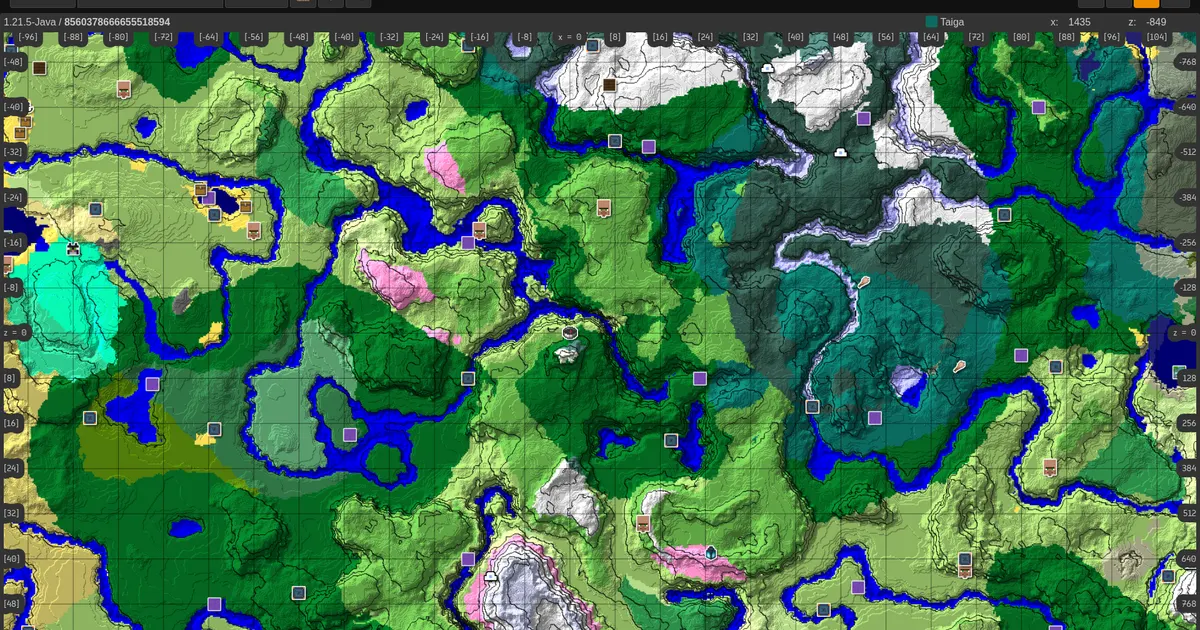
Type in any Minecraft world seed, choose the matching edition and version, then keep the route open while checking Minesite's finder pages and tested seed coordinates.
 Find Villages
Locate surface villages and trading centers near spawn.
Find Villages
Locate surface villages and trading centers near spawn.
 Strongholds
Pinpoint end portals for speedrunning coordinates.
Strongholds
Pinpoint end portals for speedrunning coordinates.
 Mansions
Map Woodland Mansions in dark forest biomes.
Mansions
Map Woodland Mansions in dark forest biomes.
 Trial Chambers
Locate the new underground combat trials from version
1.21.
Trial Chambers
Locate the new underground combat trials from version
1.21.
Minesite's seed planner is built around first-party pages, tested seed notes, and shareable seed/version URLs. Type your seed to keep the edition and version together, then use the structure finder links and 1:8 Nether coordinate math while planning routes.
For technical players establishing network pathways, Overworld-to-Nether coordinates are calculated instantly using an 8:1 ratio. Use this reference while planning Overworld and Nether travel:
$$X_{\text{Nether}} = \left\lfloor \frac{X_{\text{Overworld}}}{8} \right\rfloor$$ $$Z_{\text{Nether}} = \left\lfloor \frac{Z_{\text{Overworld}}}{8} \right\rfloor$$
Furthermore, our tool supports importing world metadata locally
from your system’s raw compressed game files. You can retrieve
seeds and coordinate logs by reading the local
level.dat file located in your platform's directories
:
%appdata%\roaming\.minecraft\saves
/Users//Library/Application Support/minecraft/saves
~/.minecraft/saves
Create an iconic identity with our free Minecraft skin editor online. Paint on a detailed 64x64 pixel canvas, swap between standard and slim-arm character templates, preview your design live in 3D, and download game-ready PNG skins with no account needed.
Head to the free Minesite skin editor and select either the standard 4-pixel Classic model (Steve) or the 3-pixel Slim model (Alex) template.
Utilize professional design features: pencil brush, flood fill bucket, eyedropper, undo/redo buffers, and layered overlays to paint your character's outer clothing separately.
Download your completed custom design as a high-resolution 64x64 PNG image. Open your Minecraft Launcher or account page to instantly apply your new look.
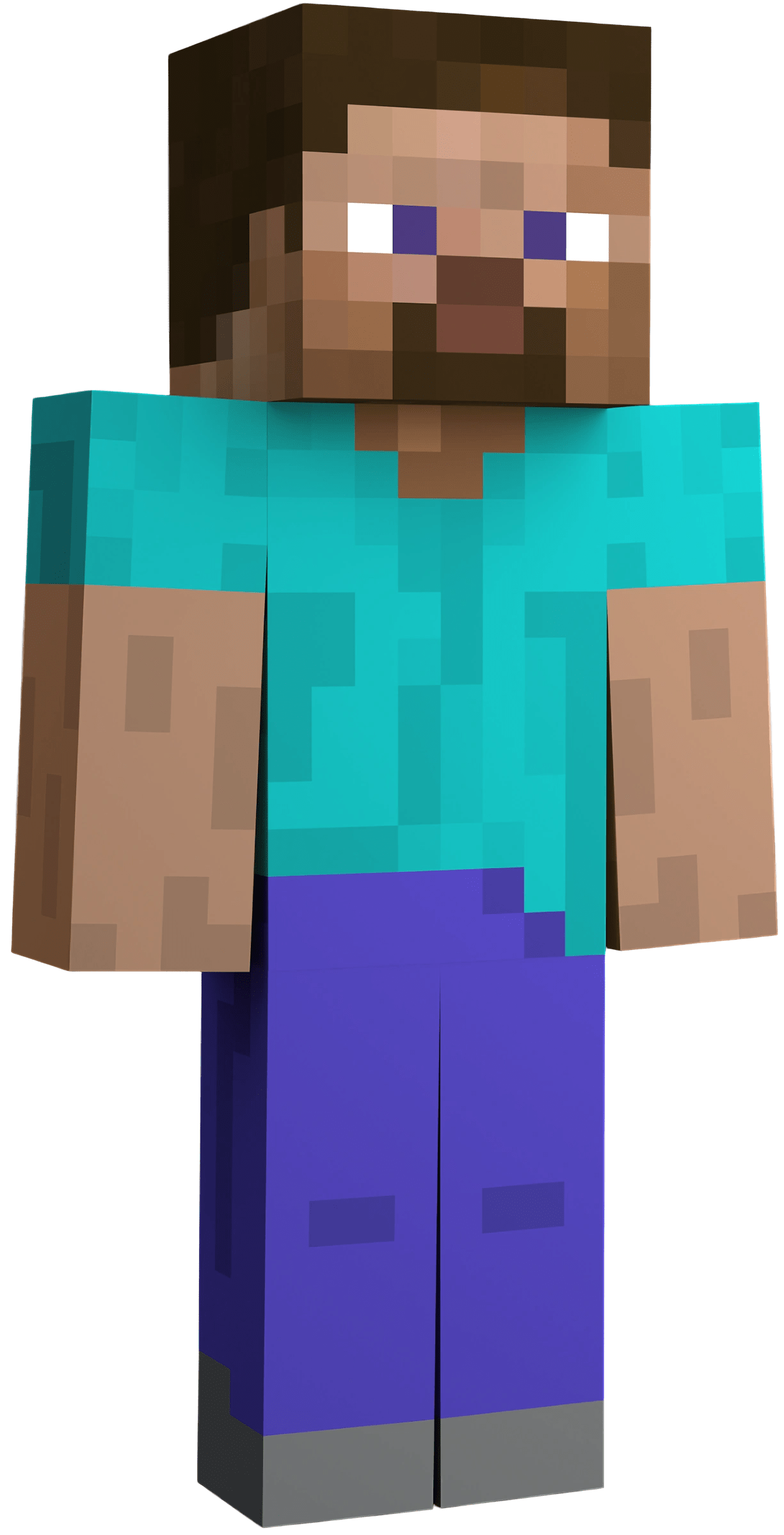
Full 3D rotation, detailed paint brushes, and dual-layer formatting. Create your custom skin, preview immediately in the 3D viewport, and export a flawless PNG image.
Popular Free Minecraft Skins
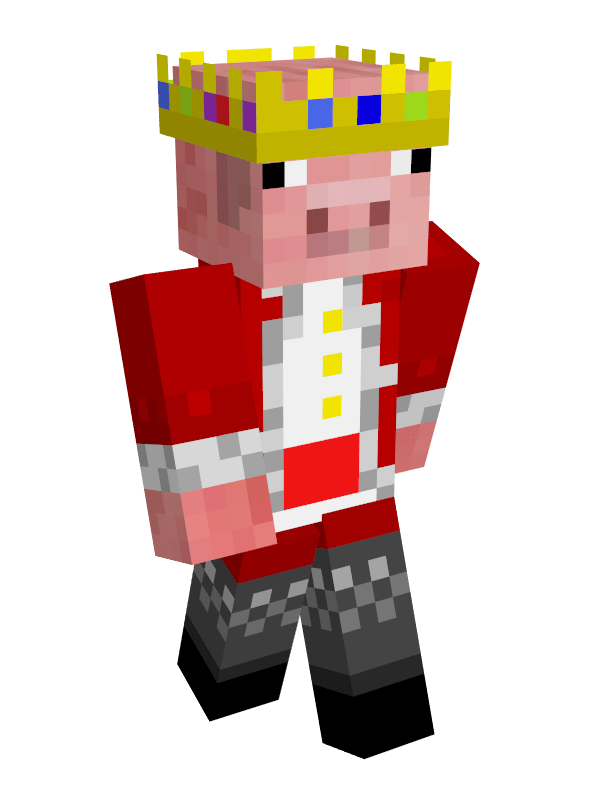
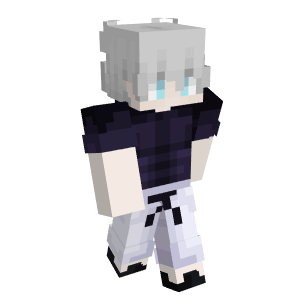

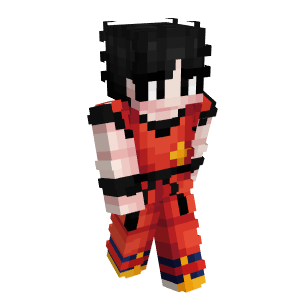
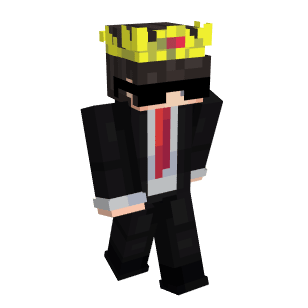
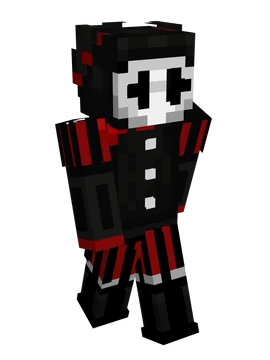
Minesite's free Minecraft skin editor requires no login, no downloads, and no credit card. We provide absolute creative control so you can build characters from scratch or import in-game usernames to edit existing skins on a highly detailed, 360-degree interactive canvas. Swap between standard templates (Steve Wide classic model) or the modern slim-arm model (Alex 3px slim model), preview under dynamic light settings with transparent backface overlays, and export your lossless custom PNG file instantly.
Looking for a fast startup? Try customizing our catalog of 100+ free premade Minecraft skins. Modify popular designs like Technoblade, Gojo, Goku, and Dream, or grab a standard transparent Minecraft skin template in 64x64 format to bring your own creative details to life.
Everything you need — the best Minecraft seeds with coordinates, a free skin editor, and a seedsviewer map — curated, tested, and improved regularly.
Every seed code and custom skin is physically tested on Minecraft Java 1.21 and Bedrock Edition before going live. No broken coordinate maps, ever.
Minesite is actively managed. When game updates launch or new structures appear, we review affected pages and refresh the seed database where needed.
We classify all items by edition. Quickly toggle between Java and Bedrock to ensure compatibility with your preferred platform.
We prioritize rare seeds with overlapping coordinates, broken structures, and multi-biome convergence points right at spawn.
Fully customizable 3D pixel editor featuring double-layering, symmetrical drawing vectors, color palettes, and quick-fill tools.
Minesite uses multi-threading and client-side processing, loading world maps and tools instantly without lagging your browser.
Minesite is not a scraped seed dump. Each published seed needs a clear player benefit, version notes, readable coordinates, and a reason to exist beyond the number itself.
We check seed code, edition, version, spawn area, nearby coordinates, screenshot relevance, and whether the route still makes sense for a real survival or building world.
We avoid duplicate lists, vague “best seed” claims, missing coordinates, unrelated screenshots, and entries that only repeat information already available elsewhere.
Seed pages link to map views, show exact coordinates, list Java or Bedrock compatibility, and include a correction path through the contact page when a world no longer matches.
| Content Type | What We Add | Why It Helps Players |
|---|---|---|
| Seed pages | Seed code, edition, version, screenshots, coordinates | Players can reproduce the world without guesswork. |
| Seed map links | Prefilled map links and structure context | Visitors can inspect terrain instead of trusting a list. |
| Guides | Step-by-step advice written for a specific task | Pages solve a player problem, not just target a keyword. |
| Corrections | Contact route for outdated seeds or wrong coordinates | Old content can be fixed instead of silently staying wrong. |
Everything you need to know about Minecraft seeds, skins, seed map viewer, and more.
Minesite (minesite.online) is a free, community-driven Minecraft resource hub. We offer the best Minecraft seeds with coordinates for Java and Bedrock Edition, a free browser-based skin editor, and a free seed map planner — all edition-tagged and regularly reviewed.
The best Minecraft seeds with coordinates in 2026 include triple-biome spawns, woodland mansion seeds, ancient city seeds near spawn, and speedrun-friendly seeds for Java Edition 1.21 and Bedrock Edition. Minesite curates hand-picked seeds updated regularly — browse them all on our Seeds page.
The Minesite Seed Map Planner is a free browser-based tool that lets you enter a Minecraft seed, choose Java or Bedrock, select a version, and keep route notes together with tested seed coordinates. Try it now →
Visit the Seed Map page, select your edition (Java or Bedrock) and version, enter a seed number, then click "Show the map". The viewer renders biomes, villages, strongholds, and 15+ other structures with exact XZ coordinates.
Use the free Minesite Skin Editor: design pixel-by-pixel on a 64×64 canvas, preview live on a 3D Steve or Alex model, then download your PNG. You can also choose from 100+ premade skins as a starting point — no account required.
Java Edition is the original PC version with broad mod support. Bedrock Edition runs on Windows, Android, iOS, and consoles with cross-platform multiplayer. Minesite labels all seeds and skins clearly by edition.
The best speedrun seeds for Minecraft Java 1.21 place a stronghold within 500 blocks of spawn, usually near a desert or plains biome with a village for early loot. Our Seeds page filters by "Speedrun" tag so you can find the current community-favourite seeds instantly — verified for Java and Bedrock Edition.
Minecraft 1.21 Tricky Trials introduced the Trial Chambers — procedurally generated underground structures filled with Trial Spawners that drop loot. The update also added the Breeze mob, Wind Charges, the Mace weapon, and new crafter blocks. Minesite covers the best 1.21 seeds compatible with this version for both Java and Bedrock.
Villages generate in plains, savanna, taiga, snowy tundra, and desert biomes. The easiest way is to use a seed with a village at or near spawn — our Minecraft seeds page includes a "Village" filter so you can find village seeds with exact coordinates for both Java and Bedrock instantly.
The best Minecraft village seeds in 2026 spawn you right inside or next to a village — ideally in a plains or savanna biome so you can build quickly. Top picks include seeds with multiple villages near spawn, a blacksmith with loot chests, and easy access to a stronghold for speedrunning. Browse our full list of Minecraft village seeds with coordinates for Java Edition 1.21 and Bedrock Edition.
The rarest Minecraft seeds spawn you directly in or next to an extremely uncommon structure — like a woodland mansion at spawn, an ancient city directly beneath the starting point, or a mushroom island biome seed. These seeds are hard to find naturally but Minesite's rare seeds list curates the best verified rare seeds with exact coordinates so you don't have to search blind.
The best Minecraft island seeds for survival spawn you on a small island in the ocean — perfect for an isolated, challenging start. Great island seeds include ones with a shipwreck or buried treasure nearby, an ocean monument within a few hundred blocks, or a coral reef for resources. Check our island survival seeds for both Java and Bedrock Edition with exact spawn coordinates.
To download a free Minecraft skin template, visit the Minesite Skin Editor and click "Download" on a blank Steve or Alex base — this gives you a 64×64 PNG skin template you can edit in any image editor or directly in our browser tool. No account required. You can also start from one of our 100+ premade skins and customise it from there.
Found an amazing Minecraft seed? Submit it — our team reviews every entry before it goes live.