Everything you need to play smarter in 2026 — from mastering seed map
viewers and finding the best world seeds, to building stunning
survival bases, designing custom skins, and staying ahead of every
major Java and Bedrock Edition update.
📚 6 In-Depth Articles🎮 Java & Bedrock✅ Updated May 2026
Welcome to the Minesite Blog — Your Minecraft Knowledge Hub
Minecraft generates over 18 quintillion distinct world seeds. Across
two editions — Java and Bedrock — that receive simultaneous major
updates, track every new biome, block, structure, and mechanic on top
of the base game, and the volume of things to know grows faster than
most players can keep up with. That gap between what the game contains
and what players actually know about it is what this blog exists to
close.
Every article here goes through the same process: load the world, test
the claim, take the coordinates, verify on both Java and Bedrock where
relevant, then write. We don't scrape patch notes and repackage them
as guides. If a technique changed between 26.1 and 26.2, we catch it
because we're running the snapshots — not because a reader emails us
three months after the stable release.
Our coverage is organized around tasks players actually repeat:
seed map planners and world generation mathematics for
players comparing routes;
curated seed lists with verified coordinates for
players choosing a long-term world;
building technique breakdowns for creators who want
stronger shapes, palettes, and lighting;
skin design tutorials using Minesite's free
browser-based editor; and
version checks that explain when a seed, farm, or map
route needs to be retested.
Start with the problem you are trying to solve, then use the filters
to narrow by seeds, maps, builds, skins, or farm mechanics.
📅 May 16, 2026·⏱ 12 min read·🎮 Java and Bedrock 2026 releases
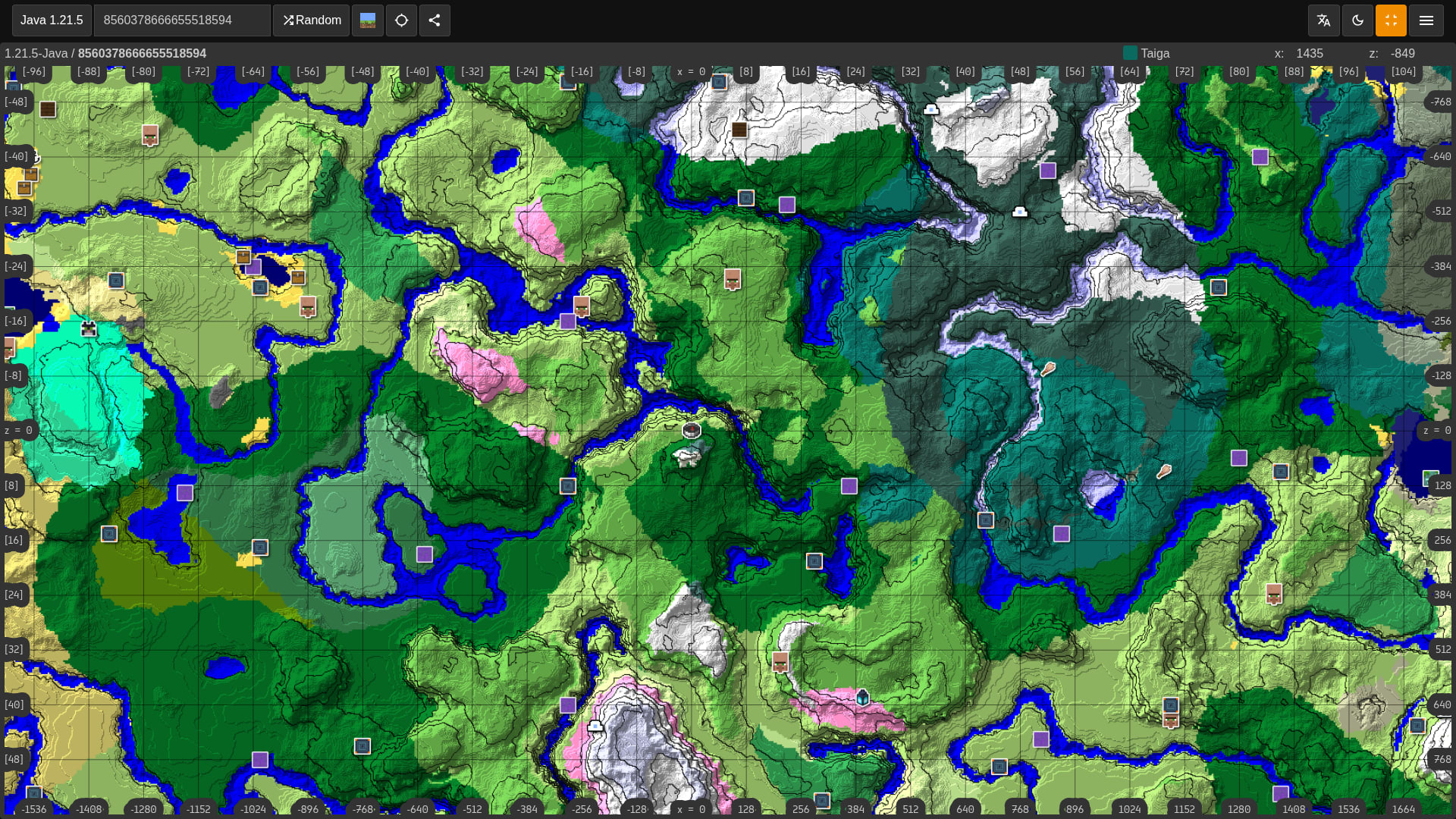
Use seed maps to check the exact edition, version, coordinate
route, and structure layer before you commit to a world. The guide
covers common mistakes such as wrong versions, copied seed codes,
and structure markers that do not match the world you are loading.
It also explains how to compare Java and Bedrock routes, when to use
the Y-slice controls, and how to verify strongholds, trial chambers,
ancient cities, and ocean monuments before planning a base.
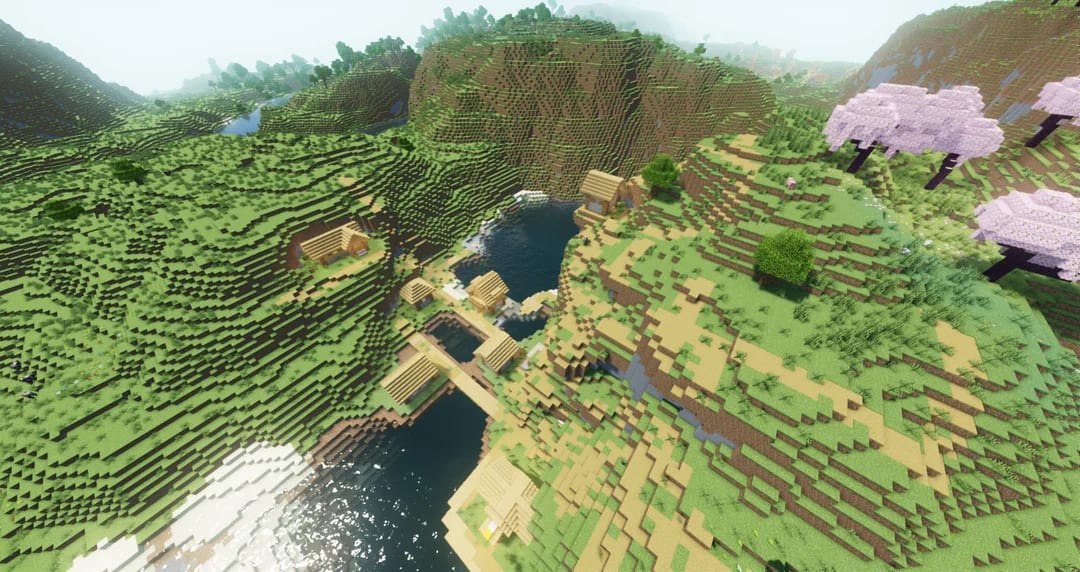
Fifty hand-tested seeds for Java 26.1 and Bedrock 26.20, every one
verified with exact X and Z coordinates for key structures.
Highlights include a near-spawn hollow mountain with a hidden
ancient city beneath it, a mooshroom island surrounded by ocean
monuments, a treeless desert with a pyramid visible from spawn,
and a stacked biome seed with a jungle temple directly above a
lush cave. All seeds confirmed for Java–Bedrock parity.
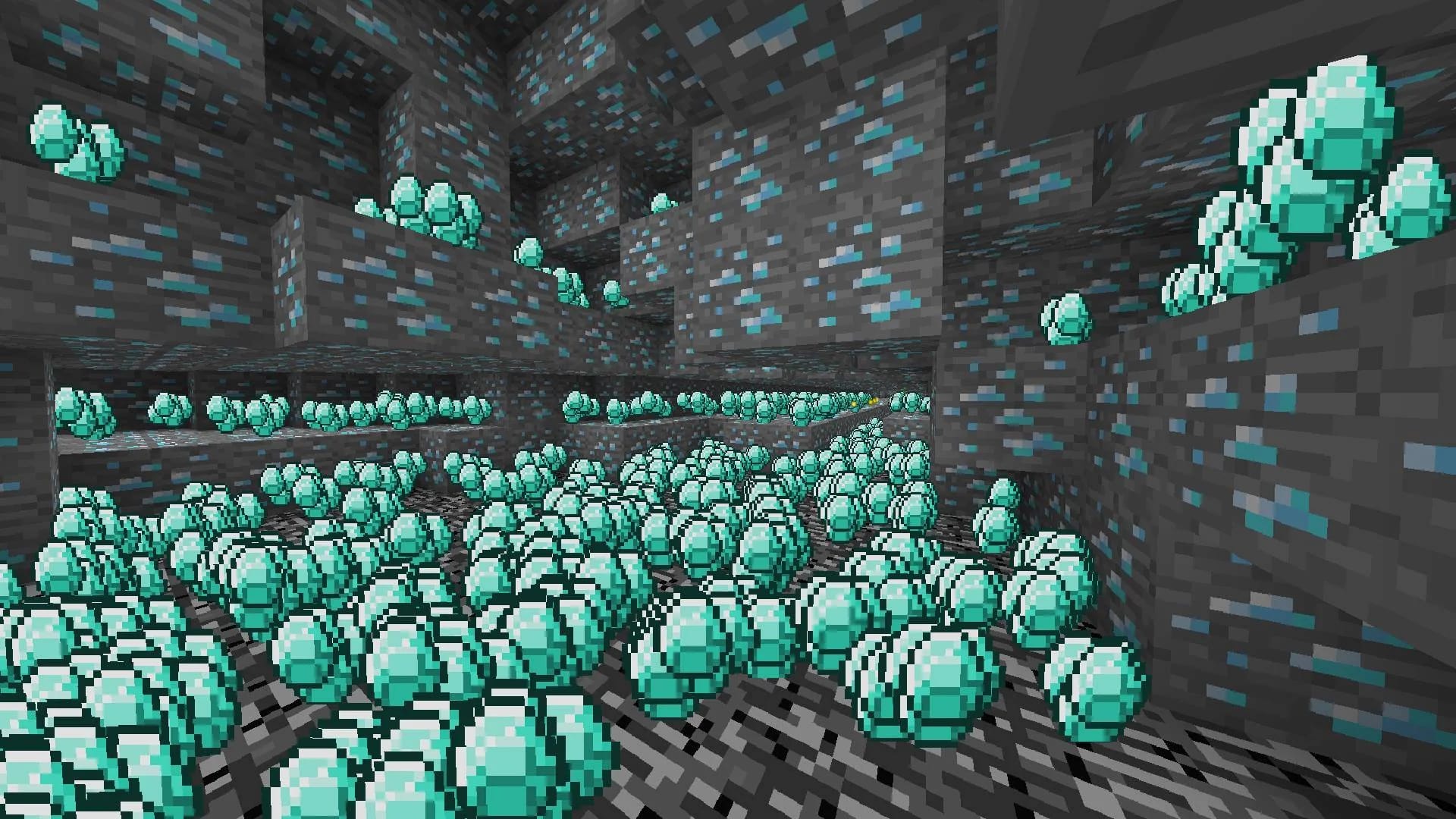
Diamonds are the most iconic resource in Minecraft. In 2026,
finding them is faster than ever if you know exactly where to
look. This guide covers the optimal Y-level (-59), branch mining
strategies versus cave exploring, and how to use the Fortune
enchantment to maximize your yield. Stop digging aimlessly and
start building your diamond beacon today.
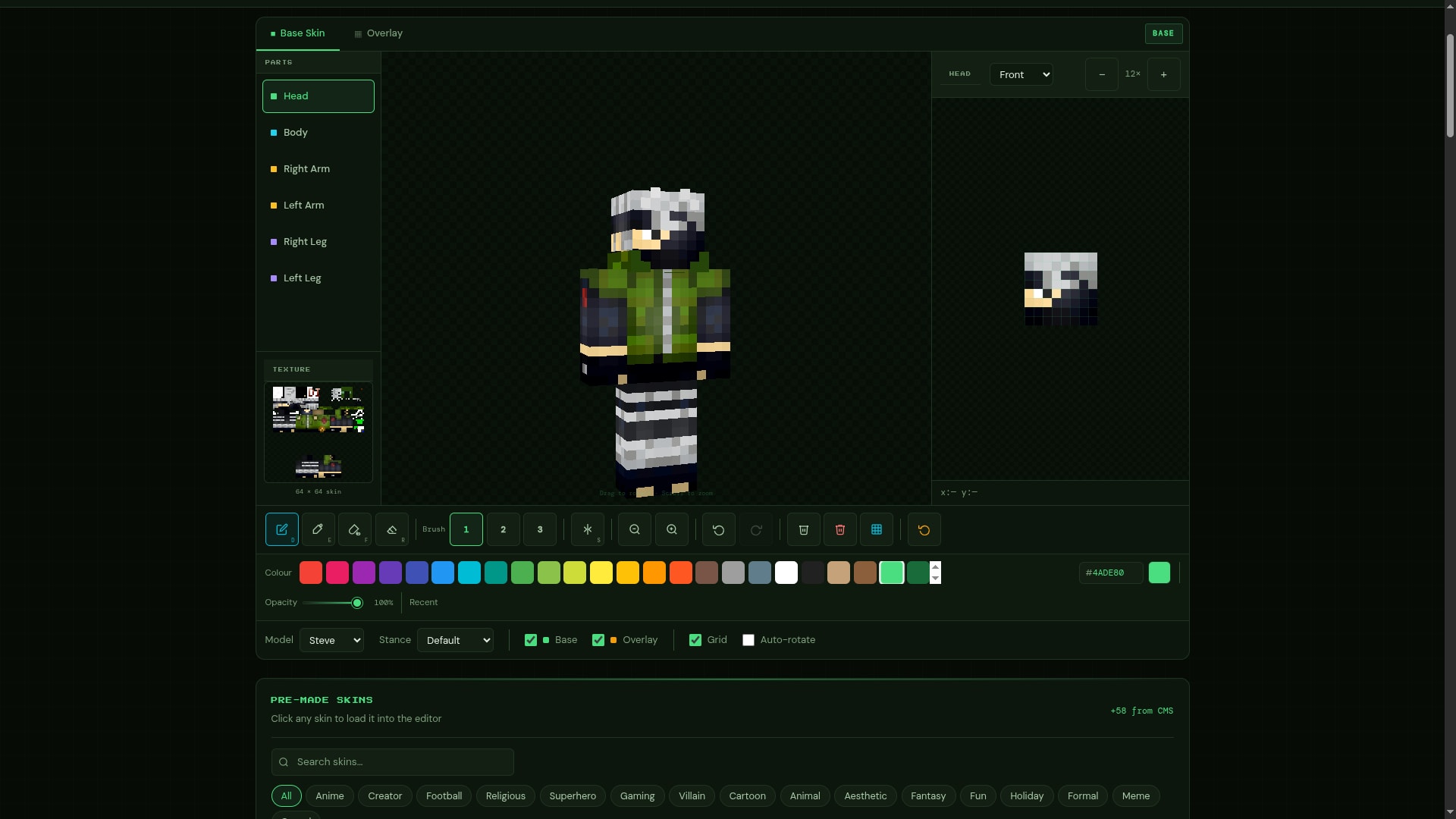
Creating a custom Minecraft skin used to require a third-party app
and a lot of trial and error. Minesite's free browser-based editor
changes that entirely. This walkthrough covers every feature —
pixel-by-pixel colour editing, switching between Steve's 4px arms
and Alex's 3px arms, painting the base-layer skin separately from
the outer clothing overlay to create realistic depth, rotating the
live 3D preview to check all six angles, and exporting a correctly
sized 64×64 PNG to upload on Java or Bedrock.
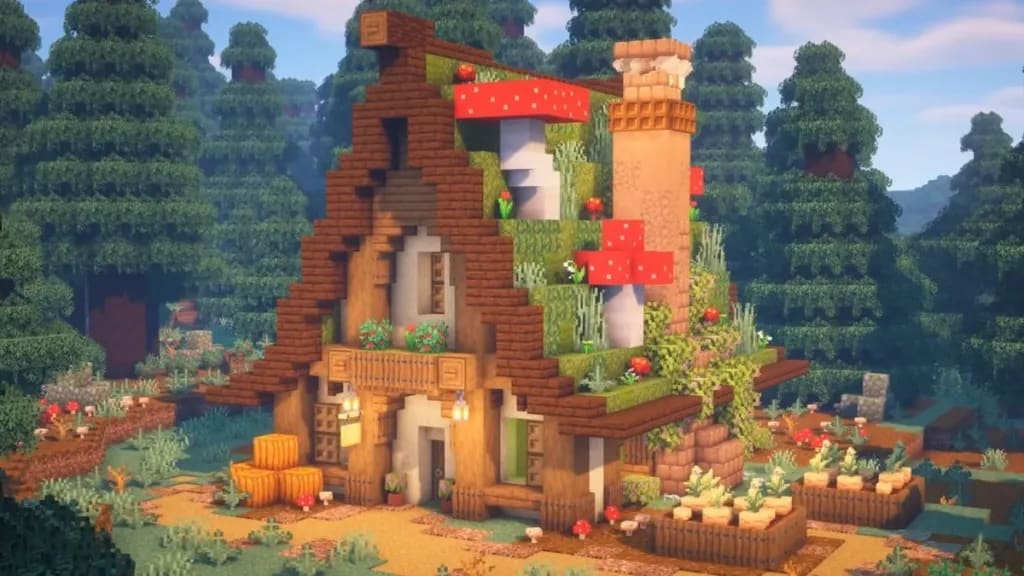
Most survival bases look the same because players use the same
three blocks in flat layers. This guide breaks that habit
entirely. Twenty practical techniques — depth through staggered
walls, gradient palettes, custom roof profiles, natural lighting,
interior detailing, landscaping, and a full breakdown of every new
block added in the Minecraft 2026 update cycle — with real before-and-after
context for each one.
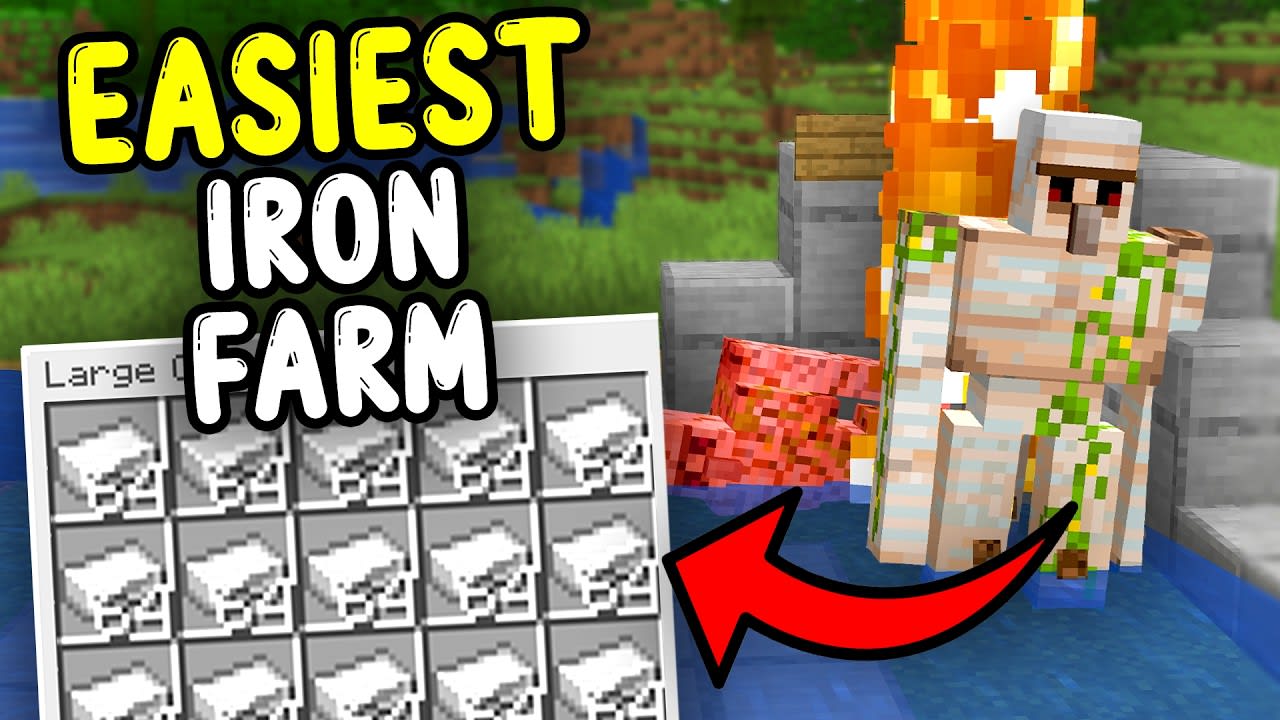
Iron is one of the most important resources in Minecraft, but
mining for it constantly wastes time. This guide explains how to
build a reliable automatic iron farm using villagers, zombie
mechanics, and efficient golem spawning layouts for both Java and
Bedrock Edition. Includes step-by-step setup, spawn-proofing tips,
troubleshooting fixes, and the best early-game design for survival
worlds.
🔍
NO POSTS FOUND
Try a different search term or select a different filter.
Why Thousands of Players Read the Minesite Blog
There is no shortage of Minecraft content on the internet. What is rare
is content that is technically accurate, genuinely tested, and written
at a level that respects the player's intelligence — whether they are a
complete newcomer or a technical player who knows what a chunk boundary
is.
🧪
Tested In-Game
Every seed, every structure coordinate, and every build technique is
verified in an actual Minecraft world before we publish. No
copy-pasting patch notes, no unverified claims.
📐
Technically Accurate
Our guides on world generation, slime chunks, and cave congruence
reference the actual algorithms Minecraft uses — not approximations.
We cite the mathematics when it matters.
🔄
Always Up to Date
We track every Java snapshot and Bedrock preview build. When
generation rules change mid-snapshot cycle, we update our guides
within days — not months after the stable release.
What We Cover on This Blog
The Minesite blog is organised around the five topics that matter most
to active Minecraft players in 2026. Each category is updated regularly
as the game evolves, so bookmark this page and check back often.
🗺️
Seed Maps & World Generation
How Minecraft's PRNG works, how to use seed map planners
effectively, the mathematics of biome placement, cave congruence,
slime-chunk calculation, and how to navigate each new biome added
with major updates.
🌱
Curated Seeds with Coordinates
Monthly seed lists covering the best spawn points, rarest biome
combinations, near-spawn ancient cities, double villages, exposed
strongholds, and multi-structure seeds — all tested on both Java
and Bedrock with exact X/Z coordinates.
⚡
Version Coverage
Official Mojang release notes, Java snapshots, and Bedrock previews
translated into practical compatibility checks for seeds, maps,
structures, skins, and long-term survival worlds.
🏗️
Building Techniques
Practical building guides focused on depth, texture variation,
gradients, and structural design. We show beginners how to move
beyond flat walls, and give intermediate builders the vocabulary
to make walls, roofs, paths, and interiors read clearly in-game.
🎨
Skins & Customisation
Step-by-step skin design tutorials using Minesite's free browser
editor. We cover colour theory for pixel art, how to use
dual-layer editing for realistic clothing, switching between Steve
and Alex model proportions, and uploading finished skins to both
platforms.
⚙️
Technical Minecraft
Slime farms, chunk loading mechanics, redstone basics, farm
efficiency, Y-level optimisation for resource gathering, and
technical player tools — explained so both beginners and veterans
get something useful from each guide.
Frequently Asked Questions
Answers to the questions we hear most often from new and returning
readers. If you have a question we have not covered here, use the seed
map or skin editor tools on Minesite and explore — most Minecraft
questions are best answered by experimenting directly in the game.
A Minecraft seed map planner is a browser-based page for keeping a
seed code, edition, version, coordinates, and structure goals
together before you play. It helps you avoid common mistakes like
mixing Java and Bedrock notes, using the wrong update version, or
trusting structure coordinates without checking the source.
Planning pages like
Minesite's seed map
also let you slice the map by Y-level to see underground biomes
like the new biome changes, and toggle individual structure types
on or off to find exactly what you need.
Since Minecraft 1.18, Mojang achieved near-perfect seed parity
between Java and Bedrock editions for numeric seeds. Enter the
same number on both platforms and you will get the same mountain
ranges, ocean layout, and biome borders. However, some minor
block-level differences remain — specific tree placements, grass
path variations, and some structure interior configurations (like
exact chest contents in ruined portals) can differ slightly due to
platform-specific rendering mechanics. The major structural
locations — villages, strongholds, ancient cities, monuments — are
the same. Text seeds, on the other hand, hash differently on each
platform and produce completely different worlds.
Minecraft uses year-based release numbers in 2026. Before trusting
a seed, map screenshot, or coordinate table, match the guide to
the exact Java or Bedrock version you are playing. Terrain can
remain similar across nearby releases, but structures and fresh
chunk generation can still change after updates.
Slime chunk placement is entirely deterministic — it is calculated
from your world seed using a legacy 48-bit Java Random algorithm,
completely separate from the surface terrain generator. This means
you can calculate exactly which chunks will spawn slimes before
you dig a single block. The fastest method is to get your seed
code (Java: type /seed in chat; Bedrock: Settings
→ Advanced → Seed field), then enter it into
Minesite's seed map planner
and keep your version, edition, and farm notes together before
you dig. Then use your confirmed slime-chunk coordinates, dig down
below Y=40, and build your farm. Our dedicated guide covers
the cave congruence formula for technical players who want to find
seeds with identical slime-chunk layouts across different-looking
worlds.
Yes, entirely.
Minesite's skin editor
requires no account, no subscription, and no software download. It
runs entirely in your browser. You can design a skin pixel by
pixel, switch between Steve (4px wide arms) and Alex (3px slim
arms) models, edit the base skin layer and the outer clothing
overlay independently to add realistic depth, and rotate the live
3D preview through six angles to check your design from every
direction. When you are finished, export it as a correctly sized
64×64 PNG file ready to upload directly in Minecraft's skin
settings on both Java and Bedrock Edition.
WEEKLY SEED DROPS
Get 5 verified Java + Bedrock seed picks each week,
plus practical guide updates. No spam.
About This Blog
Minesite is a community-driven Minecraft resource hub built by
players who have been active in the Java and Bedrock communities
since before the Caves & Cliffs update. Our tools — the seed map
viewer, the curated seeds library, and the skin editor — are all
free and require no account to use.
The blog exists because good Minecraft guides are harder to find
than they should be. Most content online is either rushed, outdated,
or optimised for search engines rather than for the player actually
reading it. We publish less frequently than large Minecraft media
outlets, but everything we publish is
tested, accurate, and written to last beyond the
next snapshot cycle.
If you find an error in any of our guides — a coordinate that is
wrong, a technique that no longer works, or a detail that changed in
a recent update — please reach out via our
contact page. We take accuracy seriously and
update our articles when the game changes.
Our Editorial Standards
Every seed is loaded and explored in-game before coordinates are
published.
All structure locations are verified on both Java and Bedrock
where parity applies.
Technical claims about world generation are sourced from
Minecraft's open-source code or verified community research.
Build technique guides include real examples — not conceptual
descriptions of ideal builds.
Update guides are written during the snapshot phase so information
is available before stable release, then updated if generation
rules change between snapshots.
We do not publish AI-generated content without human review,
verification, and rewriting.
Articles are dated and updated dates are shown whenever a guide is
revised for a new game version.