Browse seed ideas
Start from curated seeds when you want villages, rare biomes, survival islands, or structure clusters.
Seeds with map context
Browse curated Minecraft seeds or enter any seed to inspect biomes, villages, strongholds, ancient cities, trial chambers, Nether routes, and End coordinates.
Enter a known seed, or browse curated seeds first.
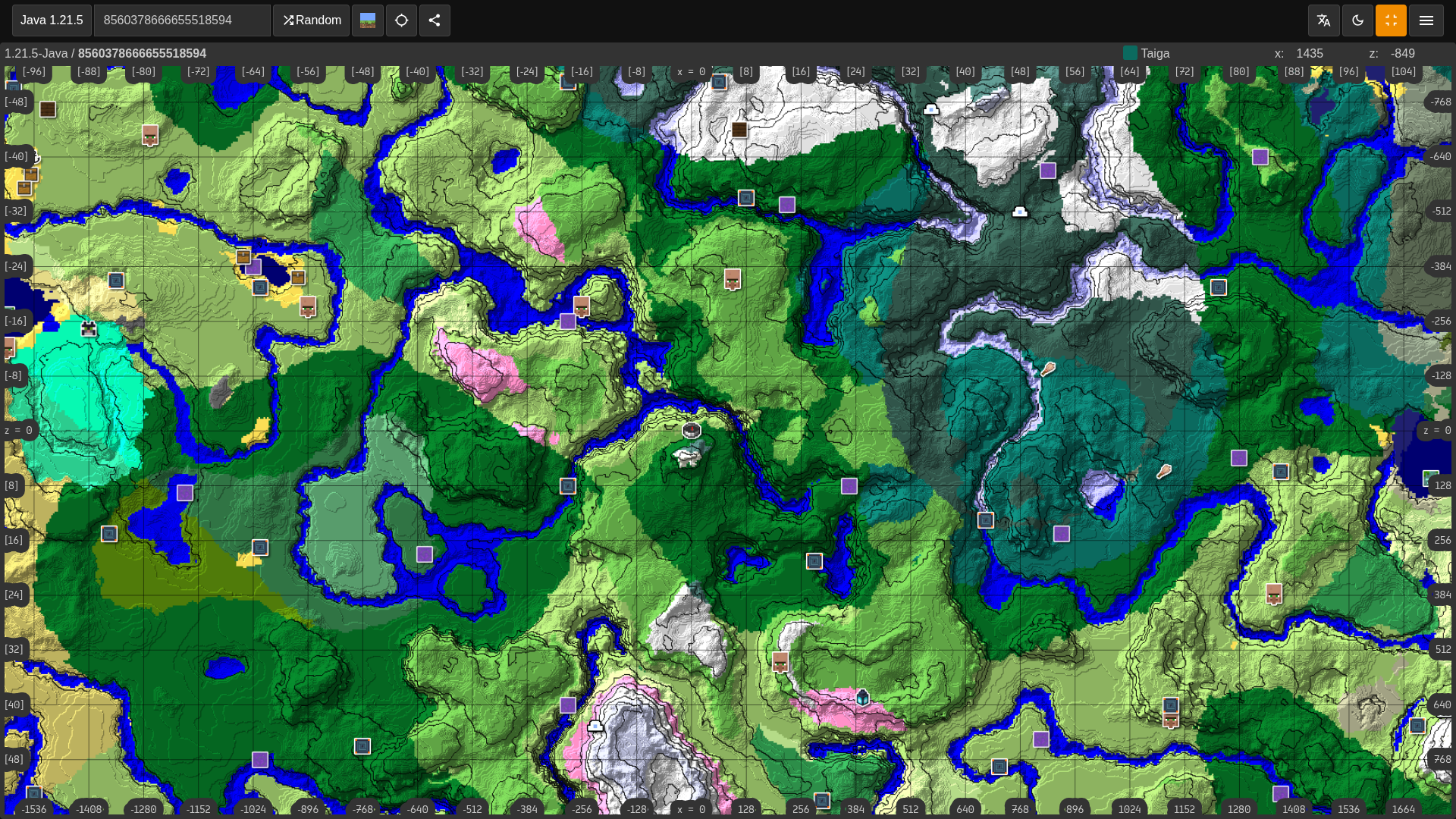
Start from curated seeds when you want villages, rare biomes, survival islands, or structure clusters.
Open promising seeds on the map before investing time in a new survival world.
Use Java and Bedrock selectors to check the generation rules that match your world.
Enter a Java or Bedrock seed to verify biomes, structures, spawn routes, and coordinates before starting or sharing the world.
Use Minesite seed pages for ideas, then open the seed map to confirm villages, rare biomes, strongholds, trial chambers, or island layouts.
A good seed depends on what you want: village spawn, survival island, cherry grove, stronghold route, ancient city, Nether fortress, or End city access.
Seed screenshots can be misleading without coordinates. A map lets you check actual travel distance and nearby resources first.
Searches for Minecraft seed finder, best Minecraft seeds with coordinates, seed map viewer, Minecraft seed checker, village seed finder, and rare biome seed finder are usually about choosing a world with proof. This page gives you a fast map check for any seed plus links to curated Minesite seed lists.
Use the seed finder when you discover a seed from a video, a friend, a server, or an old world and want to know whether it is worth playing. Enter the seed, select Java or Bedrock, then inspect biomes, structures, and dimension routes from the same map.
Ranking a seed is not only about spawn. Check how close the useful features are to each other, whether the route is safe, and whether the seed matches your edition and version.
Finder Guide
A seed finder is for choosing a world with evidence. Use it to inspect any seed from a video, friend, server, or old save, then compare structures, biome routes, spawn safety, and coordinates before starting a long survival world.
Start with your goal. A seed that is perfect for a village start may be weak for a survival island, stronghold run, ancient city route, or creative build. The map makes those differences visible before you load the world.
A good seed has useful features close enough to matter. Look at spawn, village access, biome variety, structure clusters, safe terrain, and whether the Nether and End routes support the kind of playthrough you want.
If a seed from another source does not match, check edition, version, and exact spelling. Negative signs, spaces, copied punctuation, and platform differences are common reasons a seed finder appears wrong.
Searches for best Minecraft seeds with coordinates, Minecraft seed checker, seed map viewer, village seed finder, rare biome seed finder, and seed finder from code usually mean the player wants proof before committing to the world.
Use the form with the exact seed value from your world. When you submit this page, Minesite opens a shareable seed map route with seed map layers prioritized for seed features, so you can inspect the most relevant result first and then turn on other layers when needed.
Use coordinates to compare distances instead of relying on screenshots. A beautiful image can hide a long walk, dangerous terrain, or a structure that is technically nearby but awkward to reach.
Compare several candidate seeds before choosing one. Keep the map URLs for the best options and judge them by the full route: starter resources, structures, rare biomes, Nether access, stronghold distance, and long-term base potential.
Java and Bedrock results can differ, so select the correct edition before ranking a seed. A seed list that says both editions should still be verified with the map if the route matters.
Once you pick a seed, open it in-game with matching settings and check the first few planned coordinates. That quick confirmation protects you from version mistakes and helps you decide where the first base should go.
Use the curated seed library when you want hand-picked worlds with screenshots, the biome finder for terrain goals, and the structure finders when one specific target matters most.