
Biome routes
Check terrain around spawn, villages, trial chambers, and base candidates.
Bedrock Edition seed map
Map Bedrock Edition seeds for MCPE, console, and Windows worlds. Find biomes, structures, villages, strongholds, Nether routes, and End coordinates.
Bedrock Edition is selected by default.
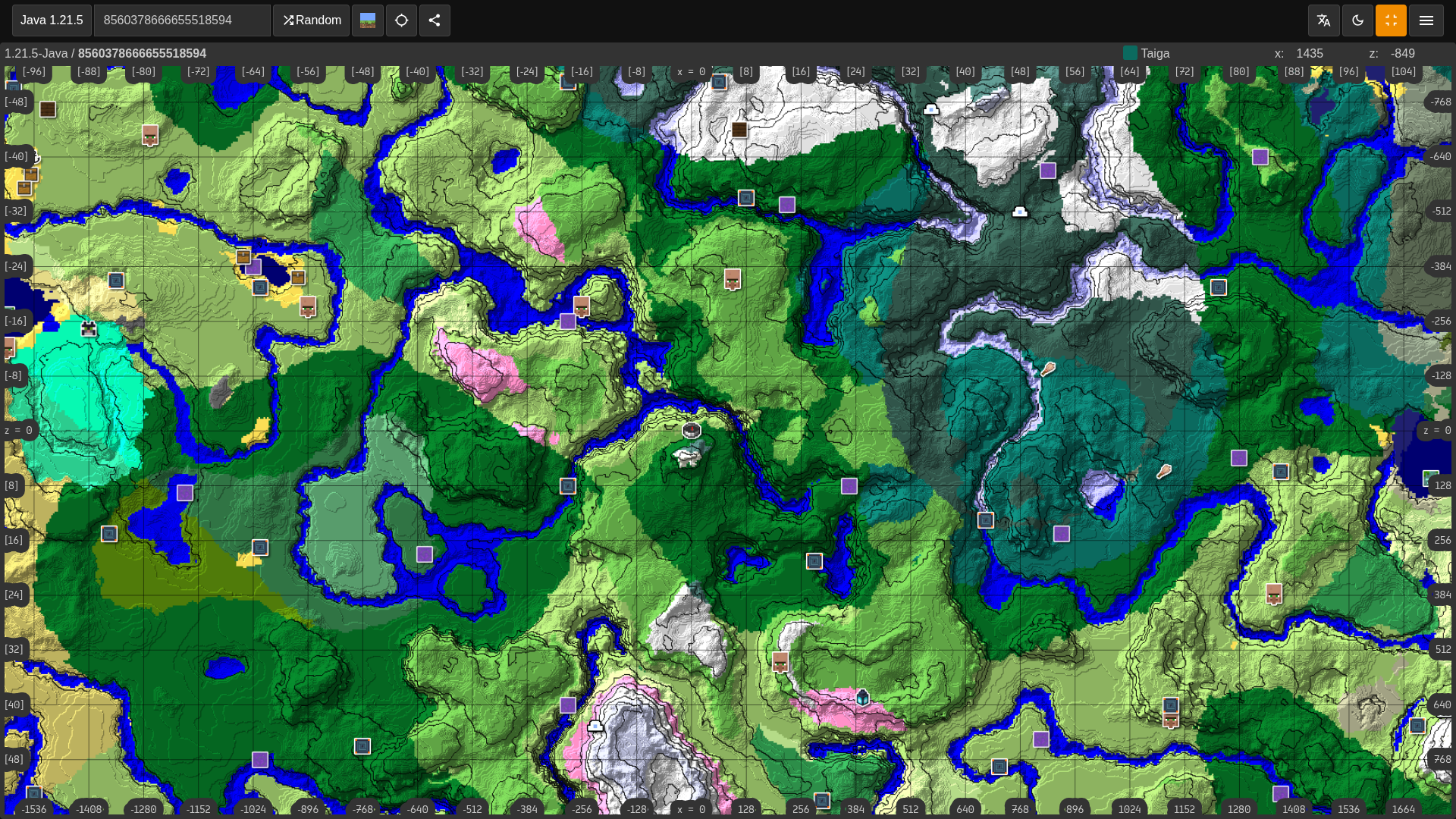
Check terrain around spawn, villages, trial chambers, and base candidates.
Find villages, strongholds, monuments, ancient cities, portals, and other generated structures.
Use the same map workflow for MCPE, console, and Windows Bedrock worlds.
Use this viewer for Bedrock worlds on MCPE, console, and Windows when you need biome routes, village coordinates, strongholds, and other structures.
Bedrock players can find the seed in world settings when allowed. Enter that exact value and keep Bedrock Edition selected in the form.
The same Bedrock seed can be useful across phone, console, and Windows worlds, but the selected Minecraft version still matters.
Bedrock and Java may share seed numbers, but structure placement and some generation behavior can differ, so use the matching viewer.
Searches like Minecraft Bedrock seed viewer, Bedrock seed map, MCPE seed finder, Bedrock village finder, Bedrock stronghold finder, and Bedrock biome coordinates need a map that starts from Bedrock settings. This page does that before you inspect individual structures.
Use it to plan survival starts, realm bases, rare biome trips, village trading, stronghold routes, and trial chamber exploration. The map helps you see how useful a seed is before you spend hours traveling in-game.
If a coordinate does not match, confirm that the world uses the same seed, edition, and version selected here. Existing explored chunks can also keep older terrain if the world was updated later.
Finder Guide
A Bedrock seed viewer helps players on MCPE, console, and Windows check a world before investing time in it. Use it to compare spawn, villages, biomes, strongholds, trial chambers, Nether routes, and base locations with Bedrock settings selected.
Copy the exact seed from world settings when the world allows it. Keep Bedrock Edition selected before opening the map, especially if the seed came from a Java video or a mixed-edition seed list.
A good Bedrock result supports the way you play. Mobile survival may need close villages and simple routes, realm players may need multiple base areas, and console players may care about safe travel and visible landmarks.
If coordinates do not match, check the seed, edition, version, and whether the chunks were generated before an update. Bedrock worlds can preserve older explored areas just like Java worlds can.
Searches for Bedrock seed map, MCPE seed finder, Bedrock village finder, Bedrock stronghold finder, and Bedrock biome coordinates usually come from players who need platform-specific map results rather than Java-only seed advice.
Use the form with the exact seed value from your world. When you submit this page, Minesite opens a shareable seed map route with Bedrock Edition map layers prioritized for Bedrock seed features, so you can inspect the most relevant result first and then turn on other layers when needed.
Use the X and Z coordinates as travel targets and then scout the area in-game. Terrain height, caves, water, and village layout can affect whether a marker is actually useful once you arrive.
Compare useful structures together instead of checking them one at a time. A Bedrock seed with a village, stronghold route, rare biome, and workable Nether access near each other is usually stronger than a seed with one impressive but isolated feature.
Do not assume Java and Bedrock will match just because the number is the same. This page keeps Bedrock selected so the map starts with the correct platform intent.
Save the URL for seeds you want to share with friends or realm members. A shareable map is easier than sending loose coordinates, and it helps everyone confirm version, edition, and route planning before the world starts.
Use the Java seed viewer only for Java worlds. For specific Bedrock planning, use the village finder, biome finder, stronghold finder, and full seed map viewer from the same seed.